

Walk into any showroom with three or four walls assembled from LED cabinets produced in different batches, and you can often see the problem without knowing its name: one section of a video wall looks cooler and bluish, the neighboring section looks warmer. The panels may all meet spec on paper, but to the eye the seam is obvious. The engineering answer is color calibration, and despite being one of the least discussed stages of LED display production, it is what separates a "flat-looking" screen from a genuinely uniform one.
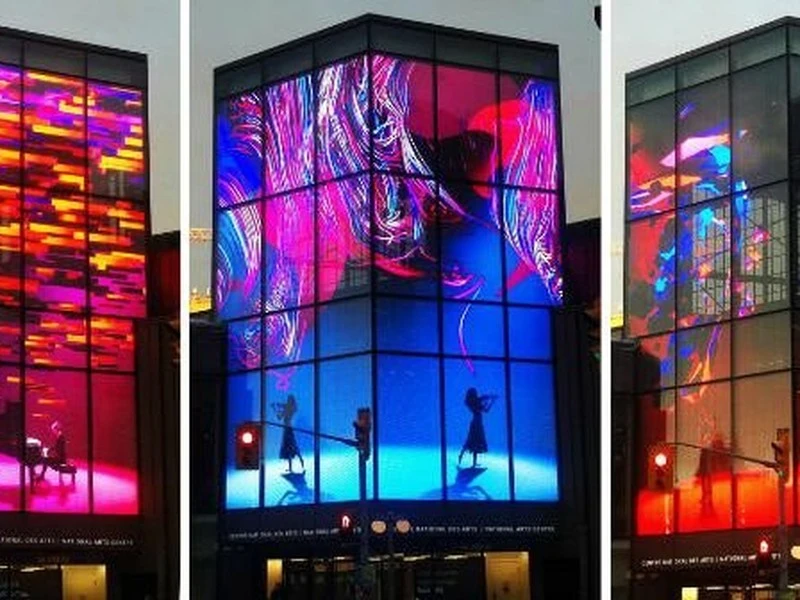
Why LEDs drift - and why batching alone can't fix it
LED manufacturers bin their diodes by wavelength and luminous flux, a process covered earlier in a separate binning article. Binning gets you close, but it is inherently a statistical grouping: within a bin, individual chips still differ. Then assembly, soldering, and drive-current tolerances add further variation. Over time, aging behaves differently for red, green, and blue emitters - red LEDs in particular degrade in luminous flux faster than the other two channels - so a screen that was uniform on day one will drift toward a color shift (typically cooler and bluer) after months in the field.
This creates two distinct problems:
Static correction - fixing module-to-module differences that exist at production.
Drift compensation - tracking how the three channels age differently so the wall stays white after years of operation.
What calibration actually does
Calibration is a measurement-plus-correction loop: a calibrated camera or spectroradiometer photographs or scans the lit screen module by module; the system measures each pixel group's actual brightness and chromaticity; then correction coefficients are written into the receiver card or controller so each pixel's PWM duty is adjusted up or down to match a target white point (commonly 6500 K) and target brightness.
Two fidelity levels exist:
- Module-level (coarse) calibration - corrects brightness and color differences between whole cabinets or modules. Fast and sufficient for walls where modules come from the same batch.
- Point-by-point (fine) calibration - corrects individual LEDs or pixel clusters. This is what removes visible pixel-level non-uniformity and "dirty screen" patches of slightly different tint.
The white point is a choice, not a constant
Calibration targets an agreed white point - typically D65 (6504 K) for video work, though some broadcast and cinema environments calibrate to D55 or D93 by preference. What matters is that the whole wall is corrected to the same target, and that the target gamma and color gamut (e.g., Rec.709 or DCI-P3 clipping) are defined before calibration begins, not after the customer complains.
Practical workflow
Warm up the modules (15–30 min) before calibration; color output changes with junction temperature.
Fix ambient light: calibration should happen in a controlled dim environment, not under mixed daylight and tungsten.
Scanning pattern: a single full-frame image is not enough; use multiple pattern sets (solid colors, gradients, checkerboards) so the system can distinguish per-LED gain from pattern-dependent artifacts.
Save a calibration file per project so the same wall can be re-calibrated later against its own historical baseline.
After field service or module replacement, re-calibrate. A newly swapped cabinet straight out of its box will almost always look different from its aged neighbors.
What "calibrated" doesn't fix
Calibration improves uniformity, not absolute fidelity. It cannot recover lost gamut (a screen whose red emitters are fading still can't hit saturated red), it doesn't alter viewing-angle color shift (that's an optics/packaging issue, not a software one), and it can't fix mechanical misalignment or seam gaps. If a wall shows uniform-but-wrong color, the cause is likely a profile or content-color-space mismatch, not calibration.
Bottom line
For buyers, the practical takeaway is simple: ask whether your screen ships factory-calibrated, at what white point, and whether a calibration report is provided. For operators, the takeaway is: calibration is not a one-time event - it is part of a screen's lifetime maintenance schedule, just like firmware updates and driver redundancy checks.